GitHub Setup
1. Ensure Access to Repository
You should all have access to this repository. If not please message me (Jayden) with your github username so I can add you as a member
2. Create A New Branch
You can create a new branch in one of two ways:
If you have VScode. Open the repository folder in VScode and then click a button on the bottom left corner of the screen. It usually says the current branch you are viewing (probably 'staging')
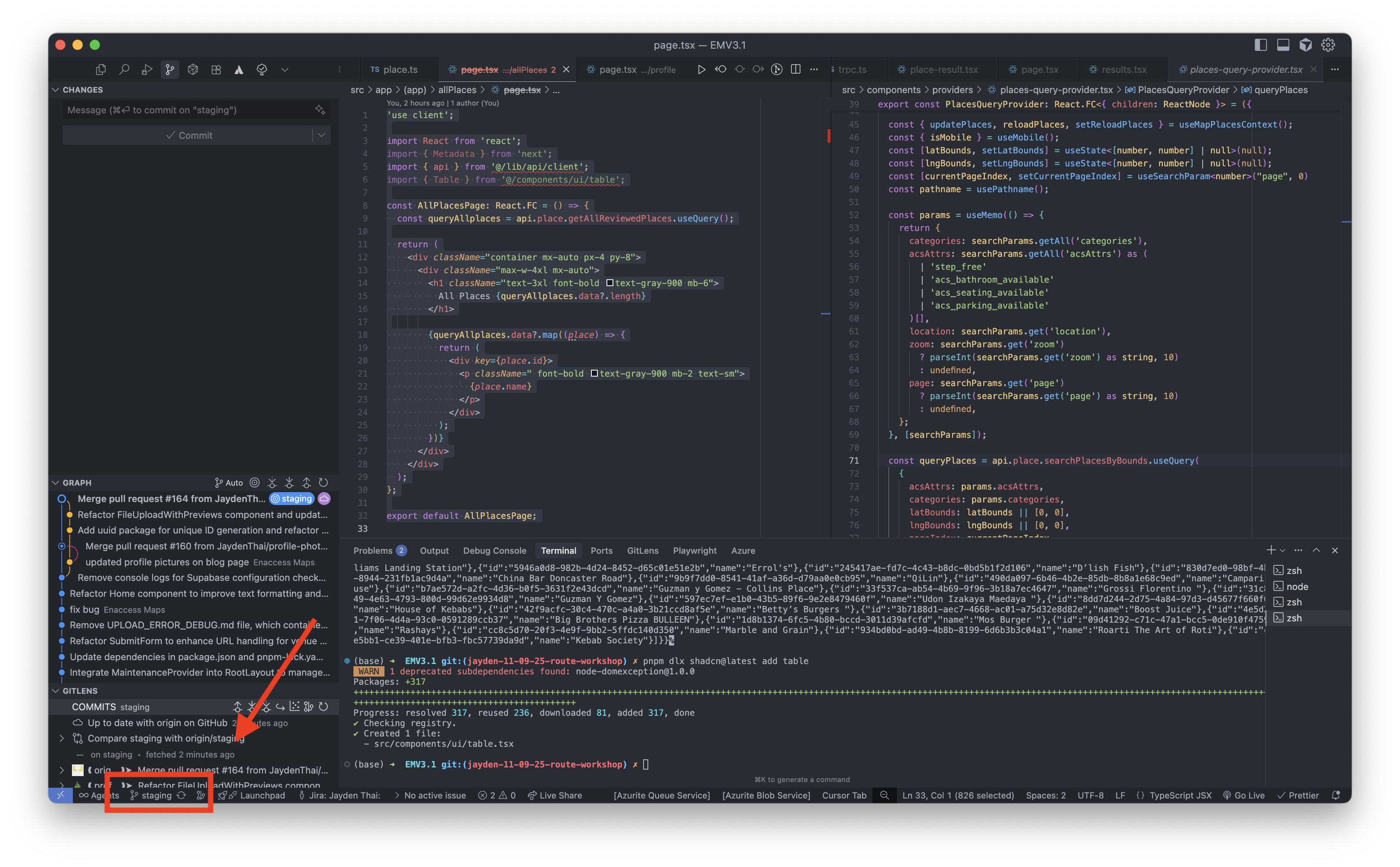
Or alternatively press cmd+shift+p or ctrl+shift+p for windows. It should come up with the command pallet, type 'git branch' and press the create new branch From...:
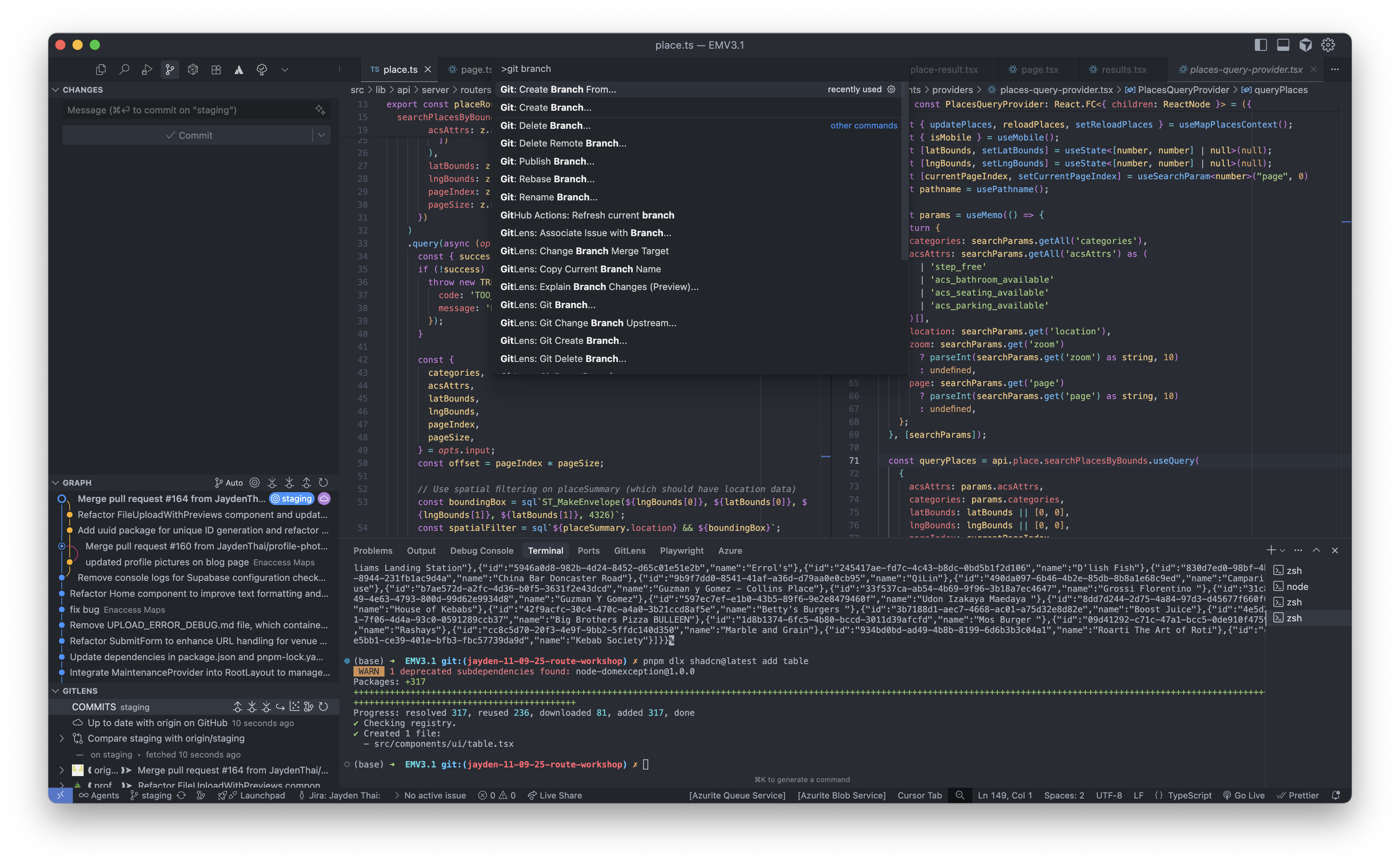
Make a new branch from staging and name it workshop/[name]-api-route
Ensure that staging is up to date by pulling. I will not go into detail about this but you can use the command git pull. Ensure you are in the staging branch when you do so
Alternatively you can use git commands
Checkout and pull staging to make sure its up to date
git checkout staging
git pull staging
Create and checkout into a new branch.
git checkout -b workshop/[name]-api-route
Replace [name] with your name
3. Push a Test Change
Edit the readme and type your name at the bottom of the file
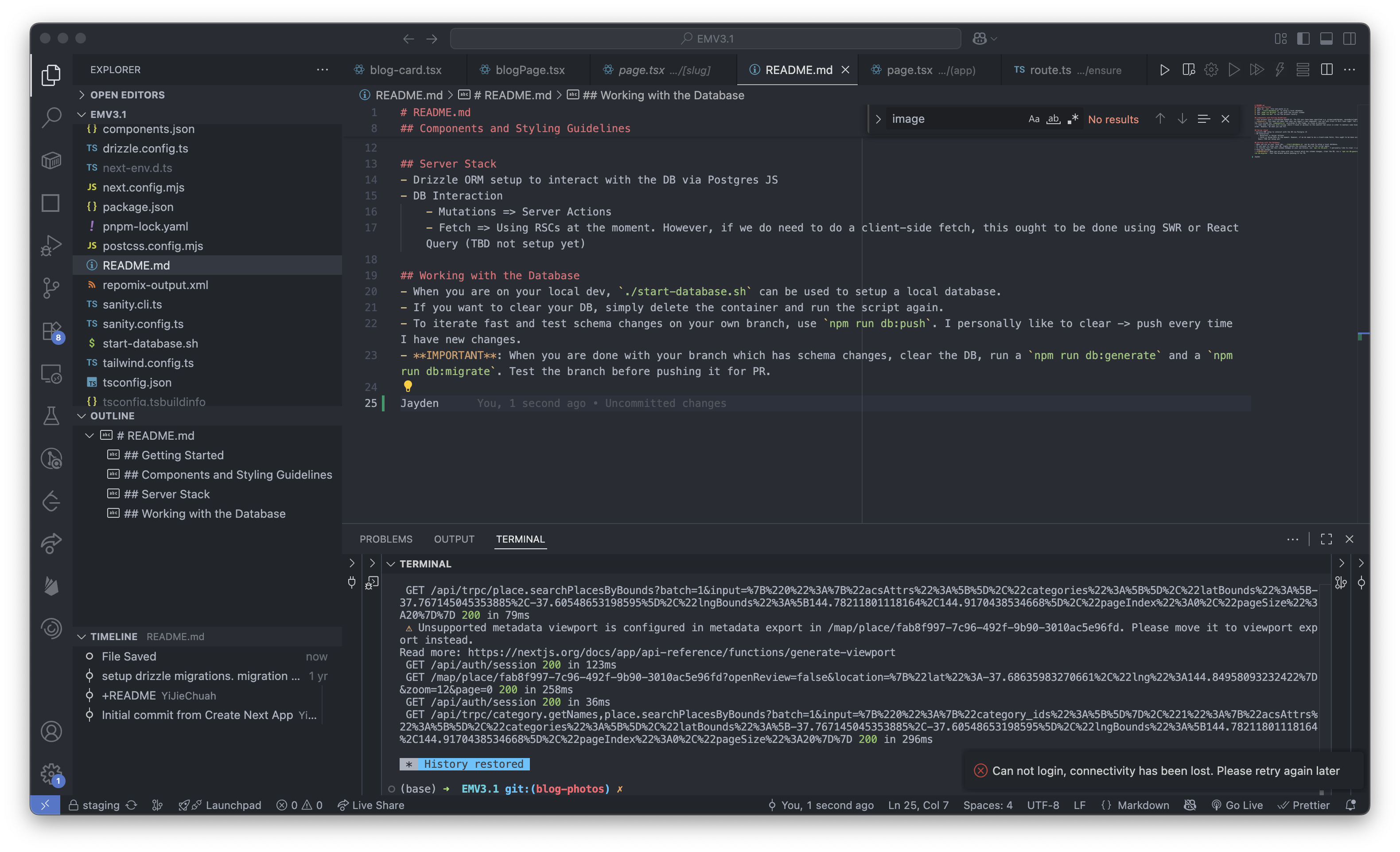
After you have done so - commit and push your changes
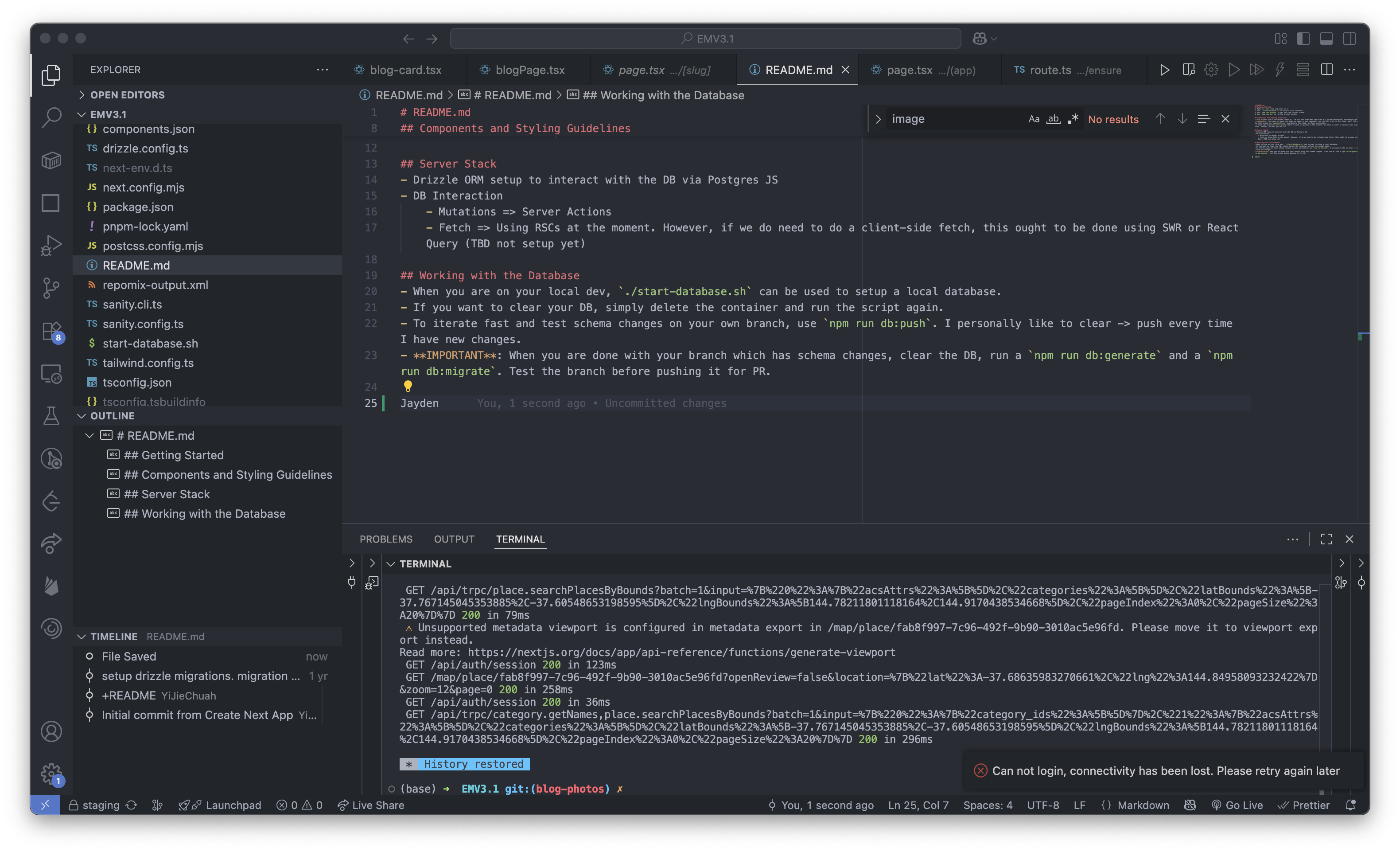
And you're all done!