Creating a NextJS API Route
Ok, lets create a nextJS API route. Create a file called route.ts in src/api/test
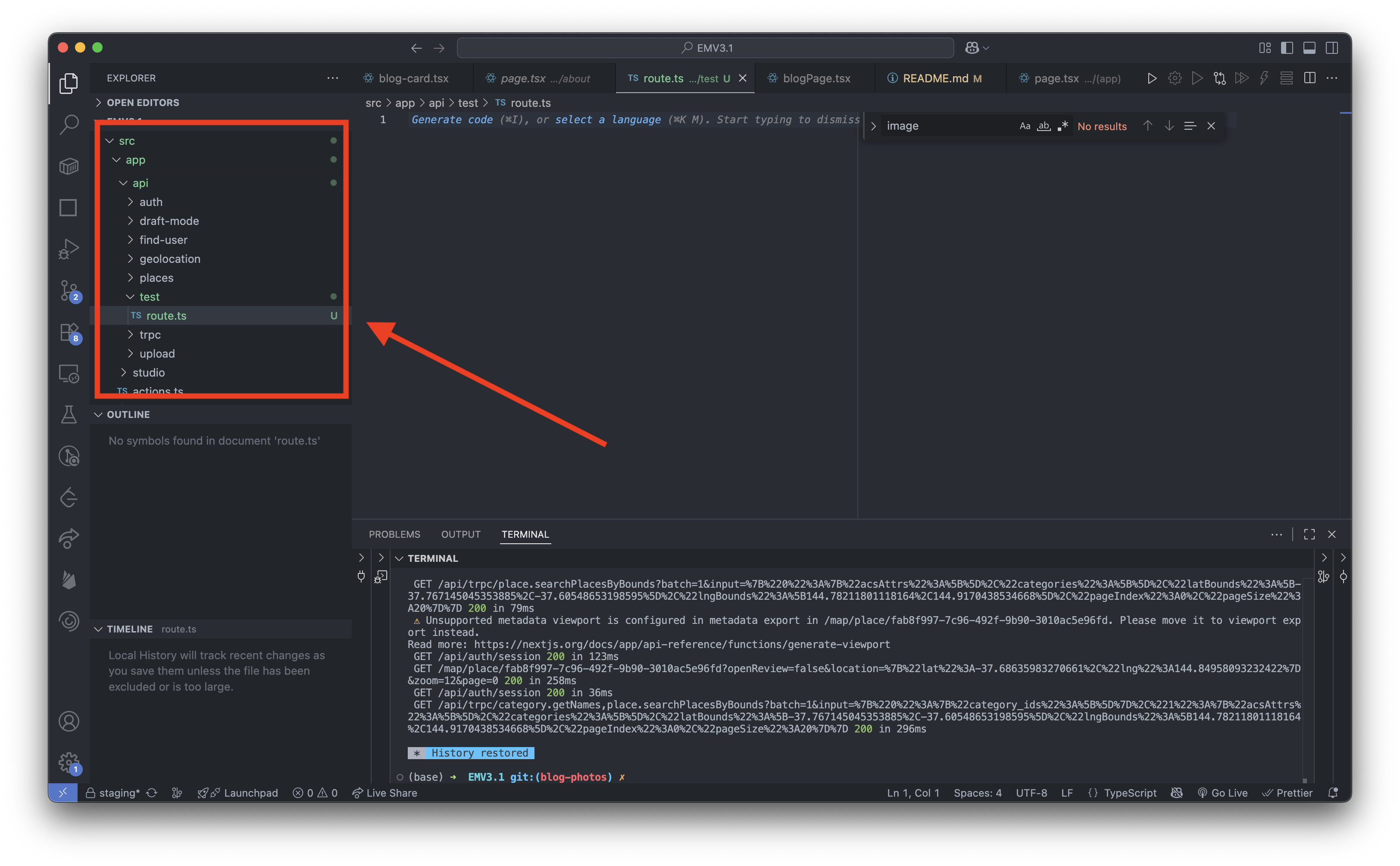
In NextJS, just like how page.tsx defines a page that a user accesses, route.tsx defines an API route which code accesses. page.tsx returns HTML, whereas route.tsx returns JSON
We are going to create a test GET route. If you are unfamiliar with what a RESTful API is, you can read up on it here: What is a RESTful API? - AWS
A GET route retrieves a resource. Paste the following code:
import { NextResponse } from 'next/server';

export async function GET(request: Request) {
  return NextResponse.json({
    message: 'Hello, my name is Jayden!',
  });
}
Replace Jayden with your name. I will follow up on this. We can now call this route using either curl or just visiting the URL. First lets run the development server with the command:
pnpm run dev
Next visit this link or curl this URL
localhost:3000/api/test
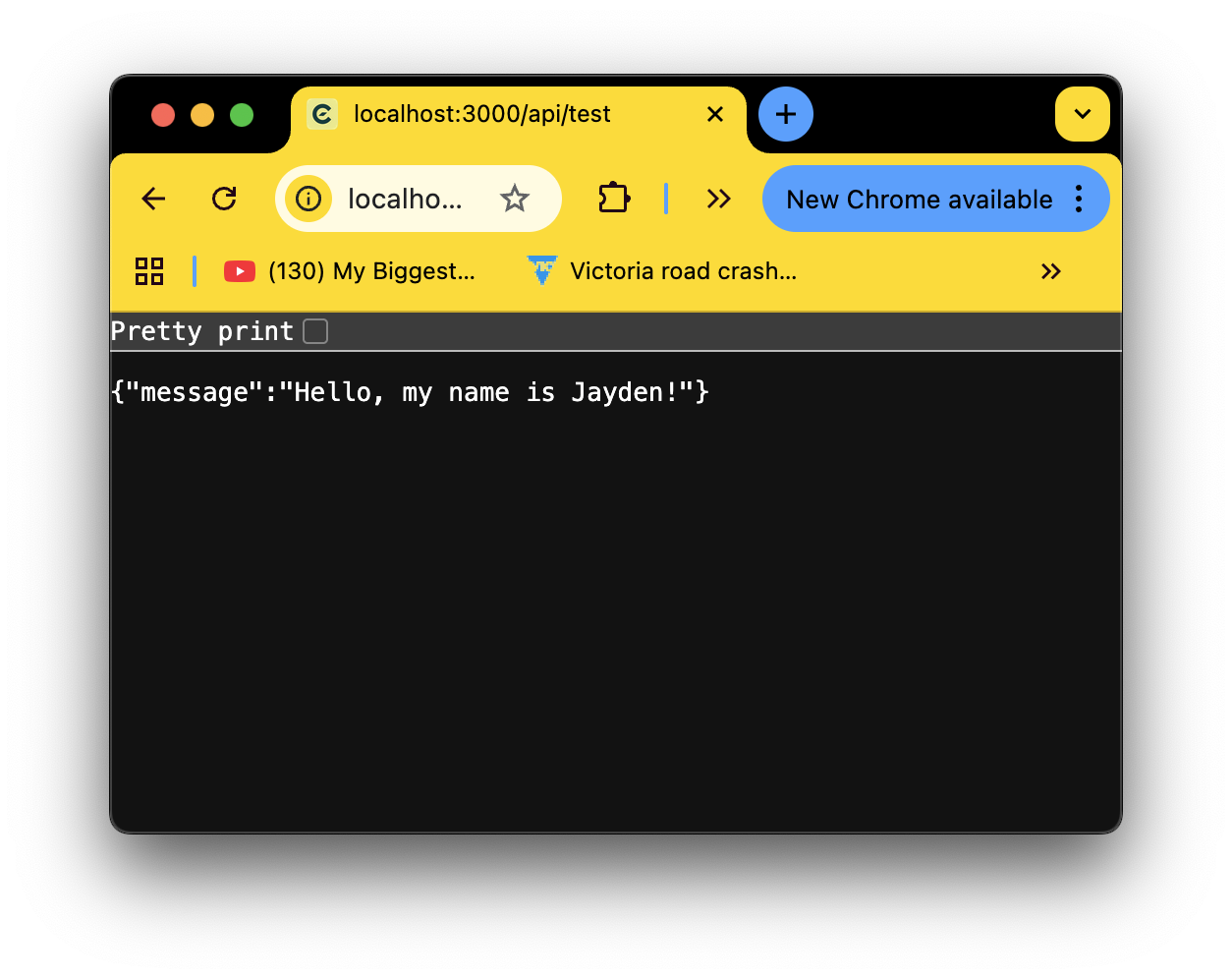
Here is some more information on creating an API route: Next.js Route File Conventions
Congratulations - you have just made your first API route lol
If you look at the codebase - we generally tend to use the design pattern of server actions. These are relatively new but they just abstract the need to create dedicated routes - and instead allow us to only define the functions which we require to be run server-side. It should be noted that these functions must be treated as publically available and thus protected actions must be guarded accordingly.